
Phone calls, in and out
Every call answered, day or night. It takes orders, books appointments and answers questions — then calls back with reminders and confirmations. Spanish is handled mid-call.
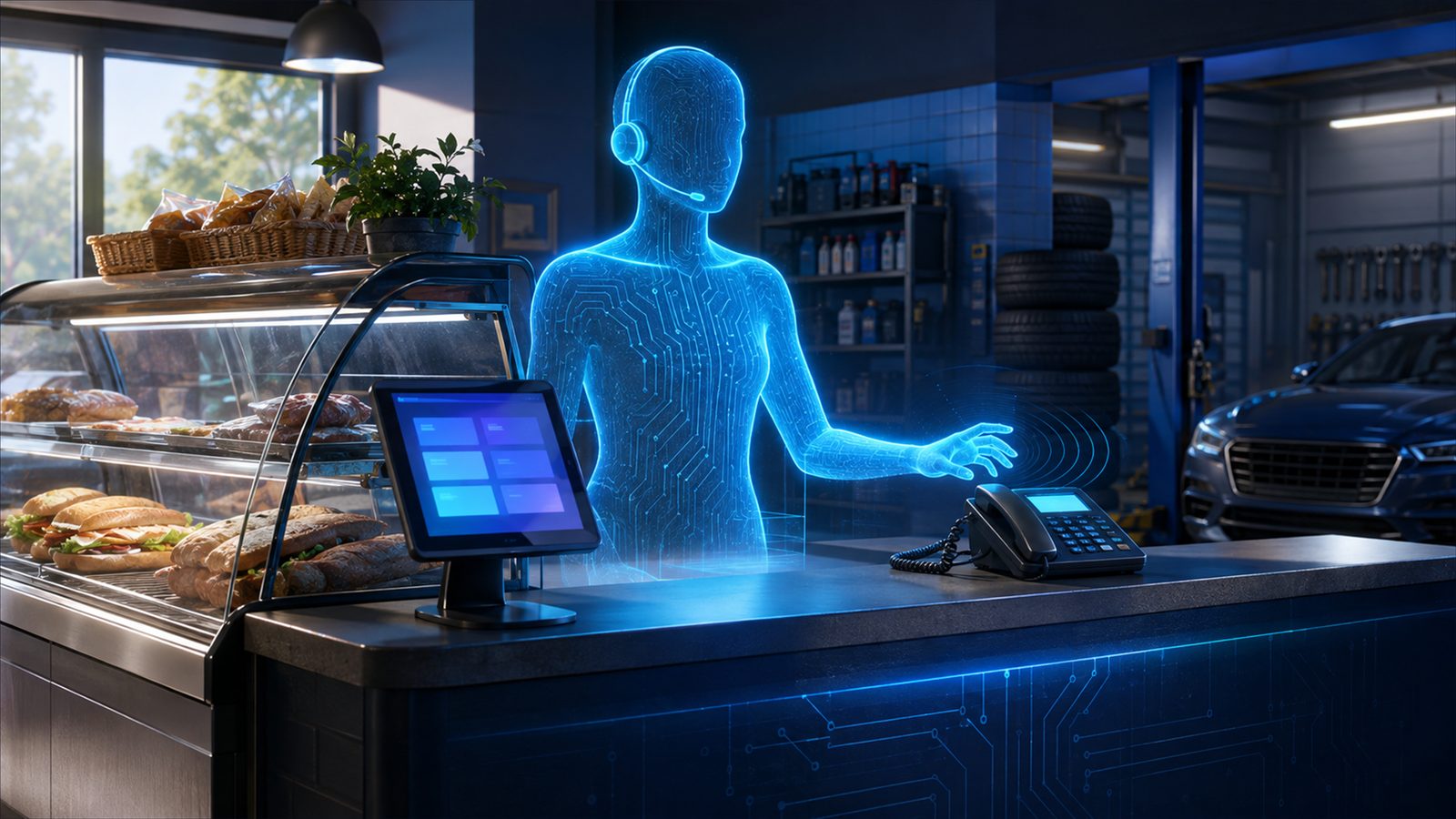
One digital employee. Every desk job.
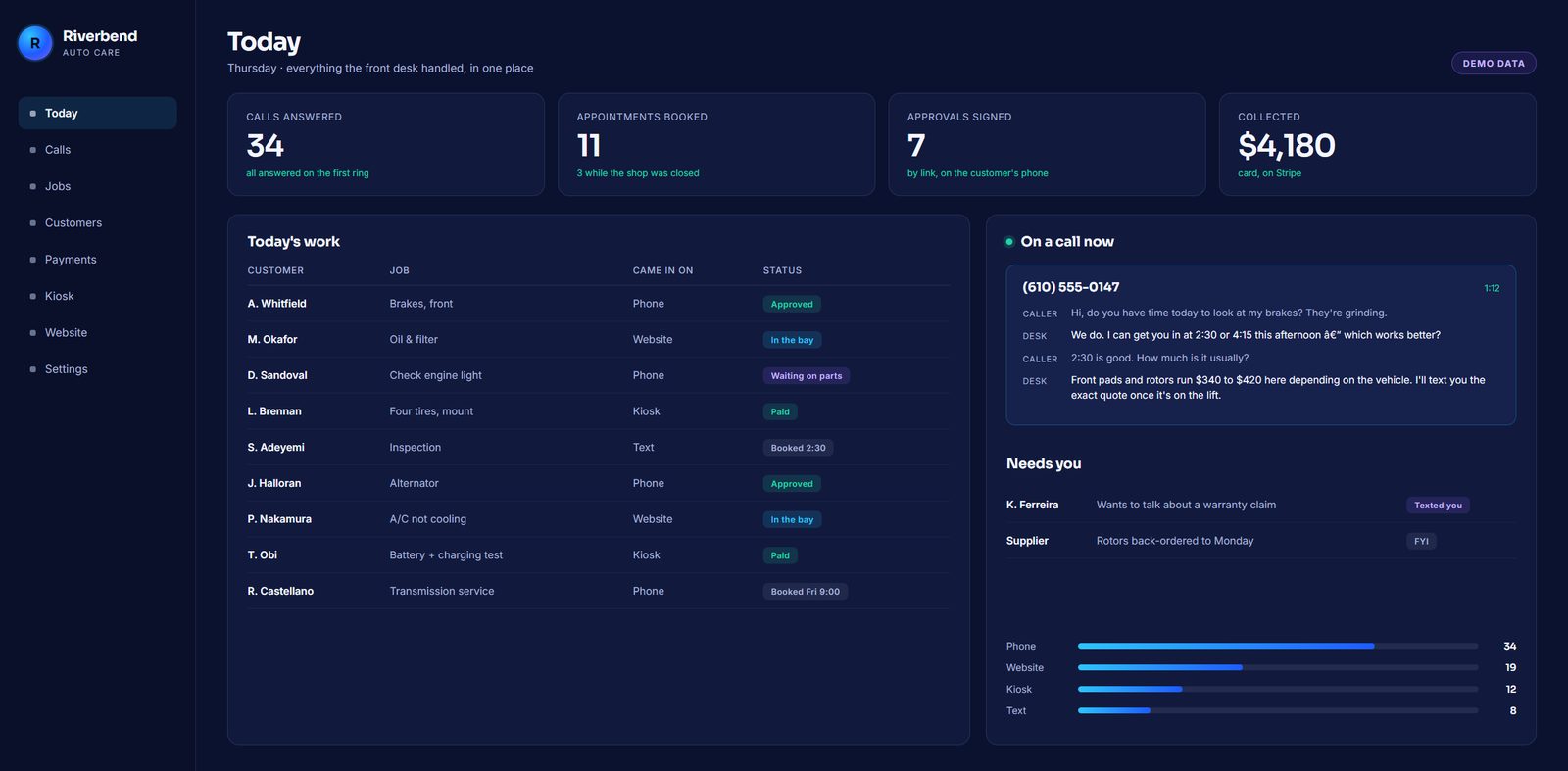
Phone, texts, email, payments, kiosk and website — handled from one dashboard, on your own data. Your people do the work only people can do.
A phone rings. The digital employee answers. A customer scans the kiosk with their own phone. The business runs.
What it does
From one dashboard, on your own data.
Every call answered, day or night. It takes orders, books appointments and answers questions — then calls back with reminders and confirmations. Spanish is handled mid-call.

Confirmations, reminders and answers by text, from your business number. Opt-out rules are followed on every message.

Mail to your business addresses is read, sorted and answered where it can be. Anything that needs you gets sent to you with a one-line summary.
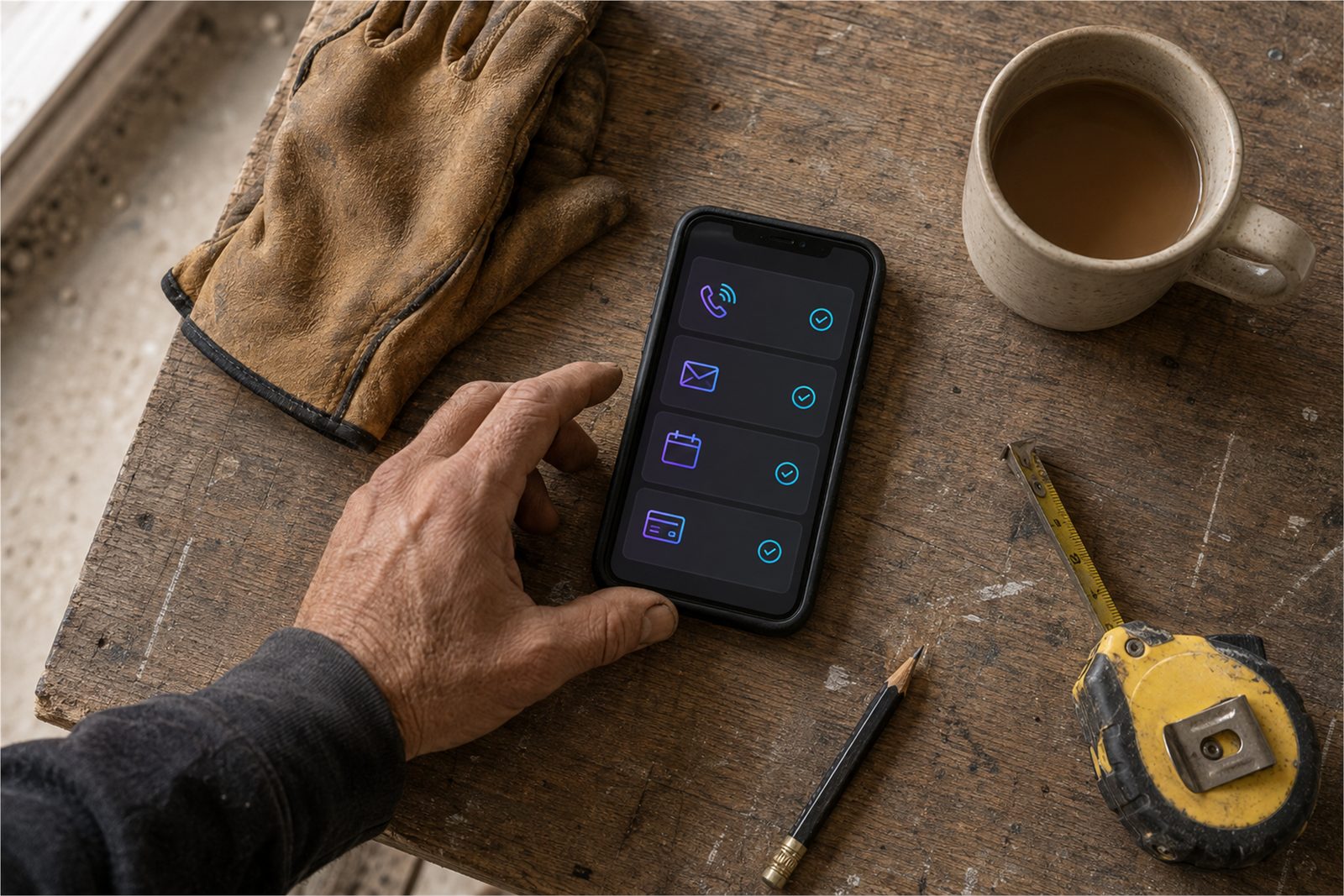
A customer approves the work and pays from a link on their phone. Cards run on Stripe. Every amount comes from your own price list.
A counter kiosk for walk-ins, and a QR code that turns a customer's own phone into a second kiosk. No app to download.
A website that takes real orders and bookings into the same system — not a separate inbox somebody has to check.
One dashboard
Every call, order, booking, approval and payment lands in one place, on your own data. You do not chase it across an inbox, a notepad and three apps — you look once.
24/7
Calls at seven in the morning, an order at midnight, a booking on a Sunday — all handled the same way. You see every one of them in the dashboard the next time you look.
How it works
The platform is built. Your business's version is configured from it in about a day once you decide.
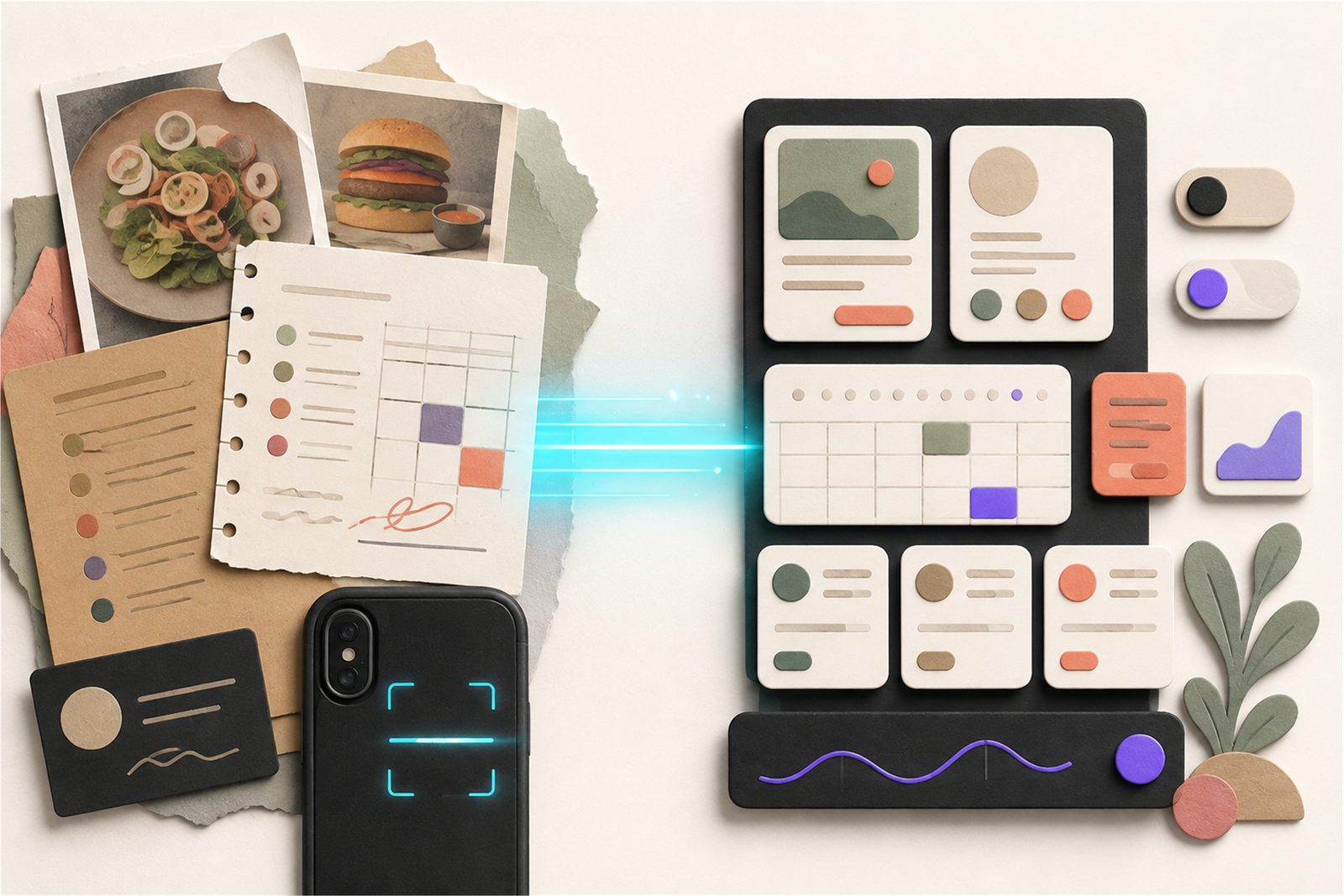
Photograph your menu or price list, hand over a spreadsheet, or point it at your current website. That becomes your catalog.
Choose your line of work. The questions your customers ask, and the way your business runs, are already mapped.
Your hours, your prices, what it may promise and what it must ask you first. Every one of those is a control you can change.
A number that answers, a kiosk on the counter, a website that takes orders — all writing to the same place.
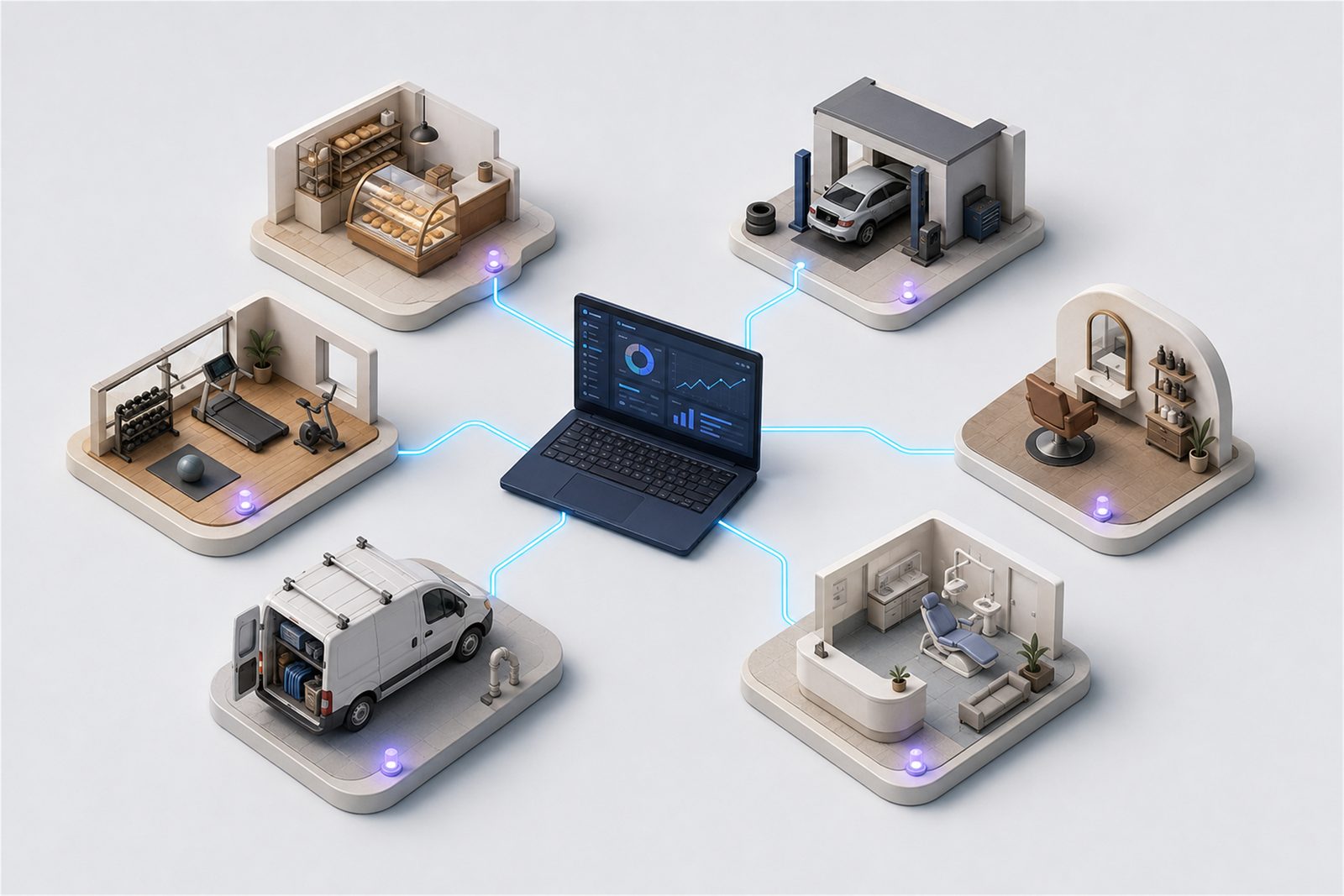
Any business
One platform, mapped across every line of work below. The same digital employee runs an auto shop, a hoagie shop, a salon or a clinic — the difference is your catalog and your rules.
See it work
Short, muted clips from the product. Nothing here is a mockup.
A phone call becomes a kiosk QR on the customer's own phone.
The customer's phone: the order paid for, and the follow-up.
Call a business that runs on it right now:
Never a dead end
Pricing
Pricing is set on your setup call, in writing, before anything goes live.
Get started
Pick a time. We talk about your business, what it should answer, and what it costs. No obligation.
Pick a day
Pick a time (Eastern)
A text confirmation is on its way.
Founding Businesses
The first ten businesses on Genius Autonomy get a founding discount, in writing, in exchange for an honest written or video account after thirty days. Good or bad — we want the real one.
I am an engineer, and I own a business. That means wearing every hat there is. The phone, the front desk, the quote, the follow-up, the payment — all of it lands on you, and none of it is the work you opened the doors to do. I had the coding side covered, so we built the thing I needed. It turned out that what I needed is what everybody else in the same spot needs too.
Gevele — Founder, Genius AutonomyOur first customer was us.
Questions
It says so, and it offers a person. It never guesses at an order or an appointment to keep the conversation moving, and it never quotes a price it cannot find in your system. When a call needs you, you get a text with who called and what they wanted.
Yes, and it switches mid-call. A caller who starts in English and moves to Spanish is answered in Spanish from that point on. Written replies follow the same rule.
Yes. Your existing number keeps ringing where it rings today; the digital employee is what picks up. You can also start on a new number and move your old one over later, once you have heard it work.
The digital employee runs on its own database — your catalog, your customers, your orders — so it does not need your POS to answer a call or take an order. Where a connection to what you already run makes sense, that is part of what the setup call is for.
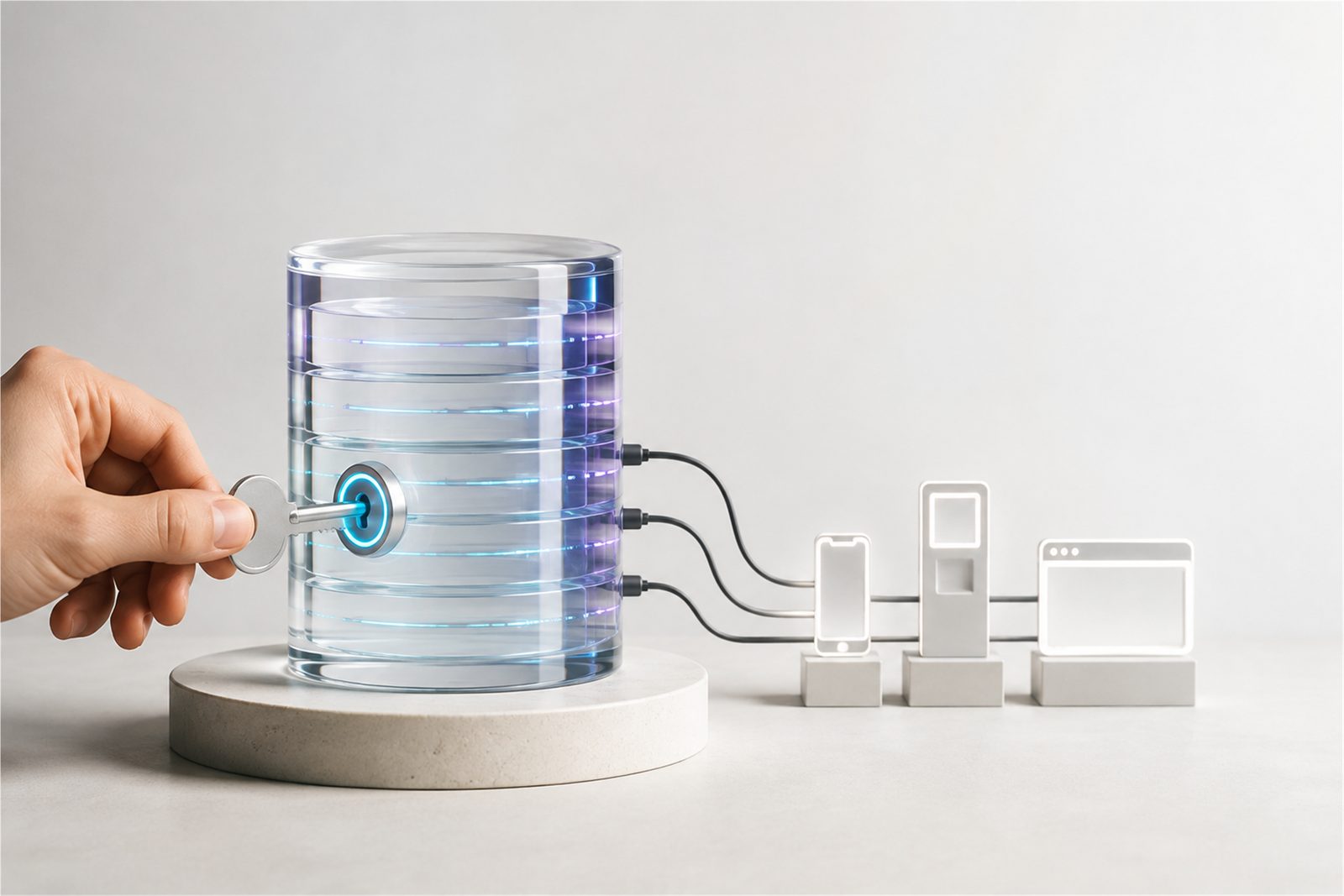
You do. Your prices, your customers, your orders and your call logs live in your own database. Every price and every hour the employee says out loud is read from it, which is the same reason it cannot invent one.
Not to start. The phone, the texts, the email, the payments and the website need nothing on your counter. The in-store kiosk and the big-screen presence use hardware, and that is a separate conversation once the rest is running.
The platform is already built. Your business's version is configured from it — your catalog, your hours, your rules — in about a day once you decide. The setup call is where we go through what that day looks like for you.
You keep your number and your data. Nothing about the arrangement is designed to make leaving hard, and the terms are in writing before anything goes live.
The work that needs hands. Fix the car, make the sandwich, cut the hair, do the install. Everything at the desk — answering, quoting, booking, confirming, taking payment, following up — is what the digital employee is for.
Card payments run on Stripe, so card numbers never sit in your shop's system. Texts follow opt-out rules, and a STOP is honored immediately and recorded. Every call, text and payment is logged so there is a record of what was said and what was charged.